Fred Ships Himself
(Web Version is the Jam version so it is not yet bug fixed)
CONTROLS
how to do stuff :O
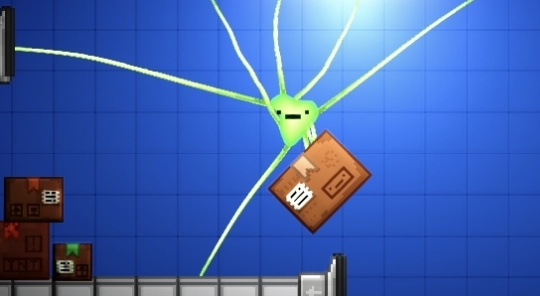
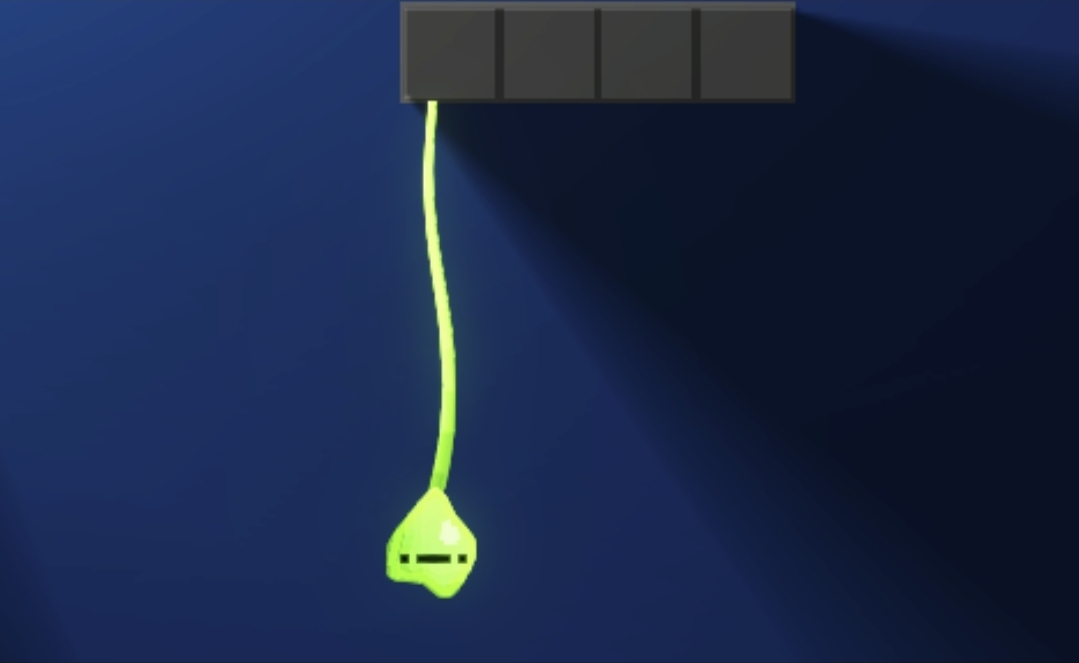
| Move | Jump | Swing and Grab | Multi Rope | Reel | Release all ropes | Restart Level |
| A+D | Space or W | Left Click | Middle Click | Right Click | Left Shift | R |
FEATURES
Things that should probably be here somewhere
Cool Stuff:
- Softbody system built from the ground up by me during the jam
- Rope physics also made during the jam
Things to Note:
- Potatoes will need low graphics settings
- Keyboard and Mouse Required
- Probably loaded with bugs
- Rage Game (If you're bad)
- Fred is French
- jam
- Downloads are at the bottom of this page (I think)
- Level 7 is bugged
ASSETS USED
for your information
The only pre made asset in the game is a free text mesh pro font off of the unity asset store made by Tiny Worlds: Link Here
Also this is my first time using softbodies (I wanna die) :D
STORY
Prepare to be blown away by amazing storytelling once again
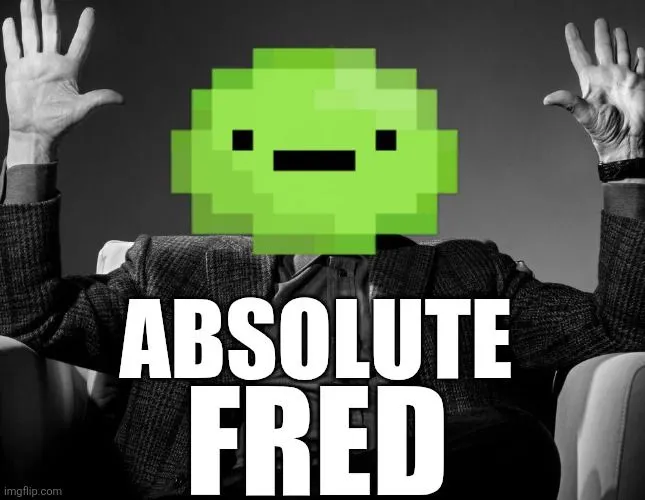
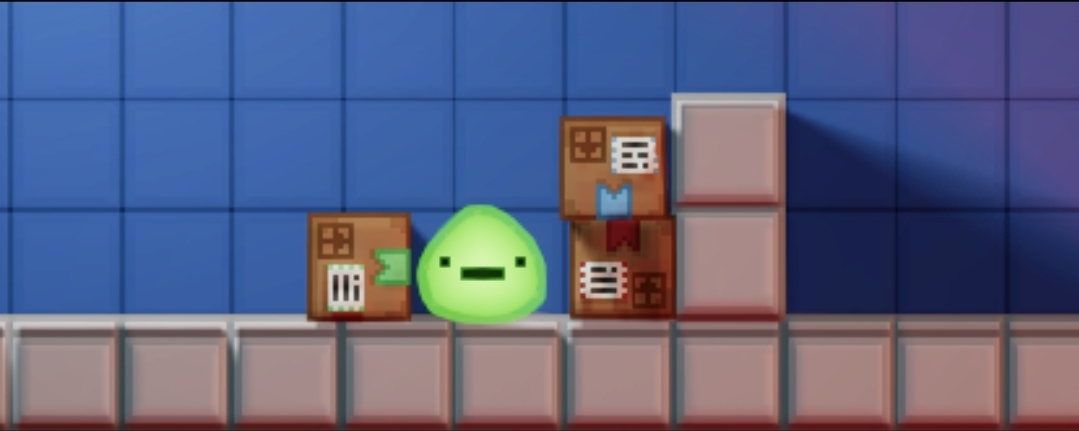
This is Fred the Blob

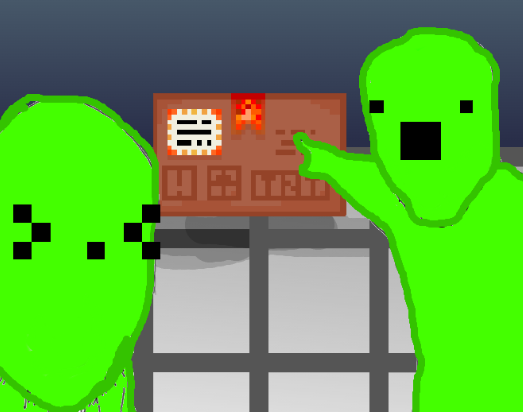
This is Fred's best friend Timmy™
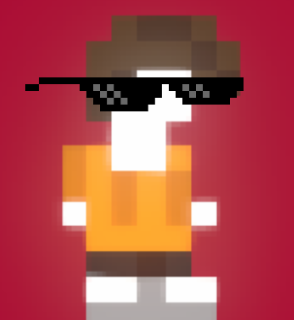
Timmy™ and Fred are best friends. They've known each other for two days!
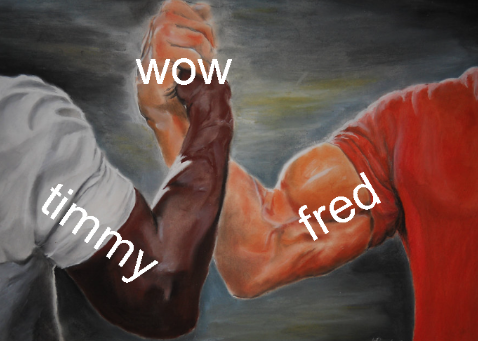
Timmy™'s Birthday is soon, so Fred wants to buy him a present online
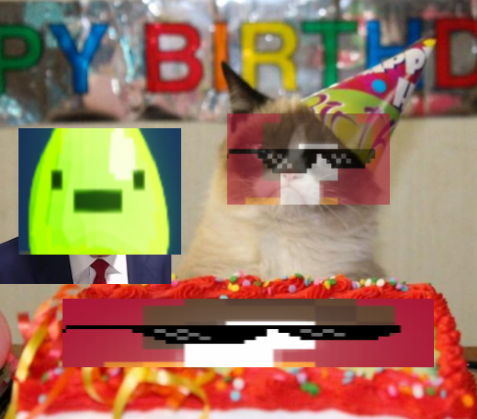
But the Postal Service is absolutely terrible!
Fred will miss Timmy™'s birthday if he waits for 30 day shipping!
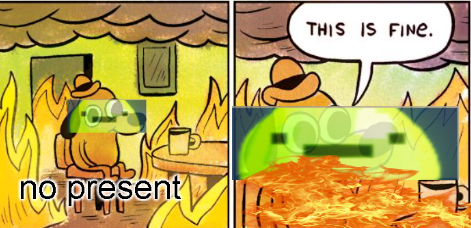
Fred is fed up and decides that he is going to go get that present himself. No matter the cost.
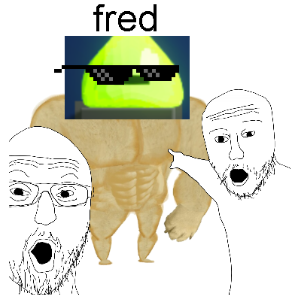
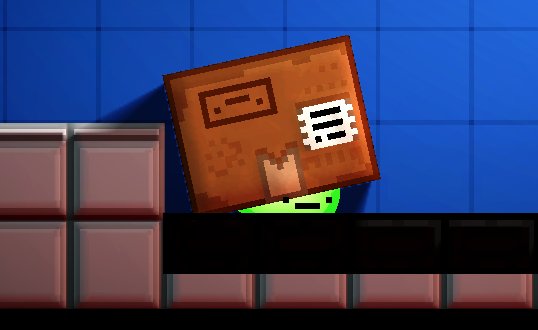
So Fred comes up with the ultimate solution: Mail himself to the factory the presents are made, it has to be there!
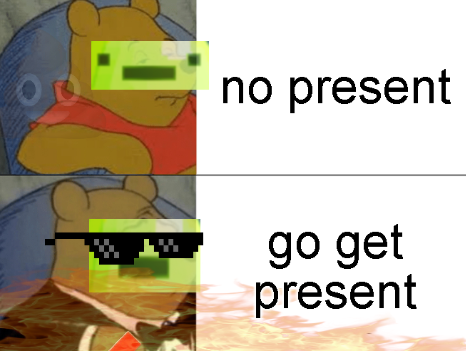
Sadly, shipping takes just as long both ways
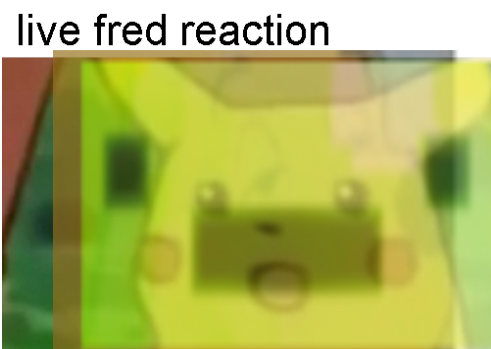
So Fred is left with no choice but to break OUTSIDE THE BOX and work through whatever is in his way to give his friend THE BEST BIRTHDAY EVER!!!!!
Unofficial reviews
"Oh my God this game is awesome" - James (BIP dev)
"Is this supposed to be a rage game?" - Unskilled Playtester
"This is f###ing awesome what!!!" - marytheproducer (BIP)
"This is just a good game... like genuinely congrats" - Jonny RaZeR
"Dude this genuinely might be my favorite one so far" - Danno (before he played the other 75 games)
Download
Install instructions
Windows - Extract the files, put them all into the same folder and run the EXE
Linux - Extract the files and move them to your desktop.
if it doesn't run, right click, go to properties, then set it to run as an executable.



Comments
Log in with itch.io to leave a comment.